 (1).svg)


Most small business owners lose 10 to 20 hours every week on tasks that could run on autopilot. Lead follow-ups slip through the cracks. Invoices go out late. Customer data sits in one tool while the team works in another. Small business automation is not about replacing people. It is about freeing them to focus on work that actually grows revenue. Here are five workflow automations you can set up this week, with real examples, so you stop doing manually what a machine can handle in seconds.
1. Automated Lead Capture and CRM Entry
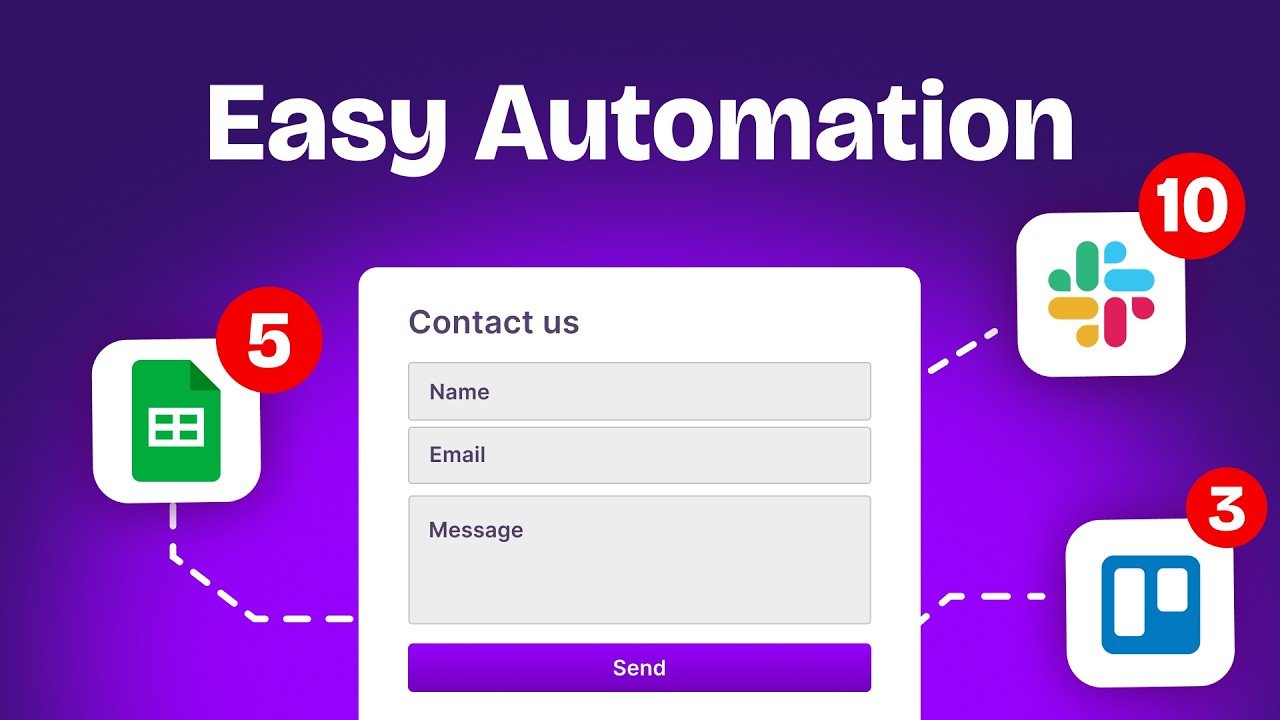
Every time a prospect fills out a form on your website, that data should land in your CRM automatically. No copy-pasting, no delay. A simple workflow automation for small business connects your web form (Typeform, Gravity Forms, Webflow) to your CRM (HubSpot, Pipedrive, Notion) and creates a new contact record instantly. The trigger is the form submission. The action is the CRM entry. Tools like Make or n8n handle this in under 15 minutes.
Why it matters: according to recent data, companies that respond to leads within five minutes are 21 times more likely to qualify them. If your team enters leads manually, that window closes before anyone even opens a spreadsheet.
2. Marketing Automation Workflow for Email Follow-Ups
A new lead signs up. Then nothing happens for three days because nobody remembered to follow up. This is the most common revenue leak in small businesses. A marketing automation workflow solves it by triggering a personalized email sequence the moment a lead enters your pipeline. The first email confirms reception. The second shares a relevant resource. The third invites a call.
Platforms like Mailchimp, ActiveCampaign, or even a simple Make scenario connected to Gmail can power this. The key is consistency: every lead gets the same quality follow-up, whether your team is in a meeting or on vacation.
3. Automated Appointment Scheduling
Back-and-forth emails to find a meeting time waste hours every week. Automated appointment scheduling eliminates this entirely. Connect Calendly or Cal.com to your calendar, embed the booking link in your emails and website, and let prospects pick a slot themselves. Take it further: link the booking event to your CRM so the contact record updates automatically, and trigger a Slack notification to alert your sales team.
For service-based businesses (consultants, agencies, clinics), this single automation can recover five or more hours per week and reduce no-shows by 30% when paired with automated SMS or email reminders.
4. Invoice and Payment Automation
If you still create invoices manually in Word or Excel, you are burning time and increasing error risk. Best workflow automation software like QuickBooks, Xero, or Stripe can generate invoices automatically when a deal closes in your CRM. The workflow looks like this: deal marked as won in your CRM triggers an invoice creation in your accounting tool, which sends the invoice to the client and logs the expected payment. No manual step required.
This is a textbook example of how to automate repetitive business tasks that drain your finance team. Pair it with automated payment reminders, and you reduce late payments significantly.
5. Customer Onboarding Workflow
After a client signs, what happens next? If the answer is “it depends on who handles it,” you have a consistency problem. A customer onboarding automation triggers a sequence the moment a deal closes: a welcome email goes out, a project workspace is created in Notion or Asana, onboarding documents are shared, and an internal Slack message notifies your delivery team. Every client gets the same professional experience, every time.
These are practical workflow automation examples that work for agencies, SaaS companies, and service businesses of all sizes. They do not require coding. They require clarity about your process and 30 minutes with a tool like Make, n8n, or Zapier.
How to Get Started This Week
Pick one automation from this list. Map the trigger (what starts it) and the action (what should happen). Build it in a no-code tool. Test it with real data. Then move to the next one. Most businesses that commit to this approach save 10 to 20 hours per week within a month. The compound effect is significant: fewer errors, faster response times, and a team that focuses on strategy instead of admin.
At LeSage Digital, we build these exact systems for startups, SMBs, and agencies. Our workflow automation services connect your apps, eliminate manual data entry, and create machines that run without you. If you want to skip the learning curve and get results in days instead of weeks, explore our automation services or book a free discovery call.
The Bottom Line
Small business automation is no longer optional. With 94% of companies still performing repetitive, time-consuming tasks manually, the businesses that automate first gain a lasting competitive edge. These five automations are not theoretical. They are proven, practical, and you can set them up this week.